Upcoming events appear in your MyNetworx diary and within the relevant group. Your response contributes to the organiser’s attendance register.
If your plans change, return to the event and update the response rather than sending a separate message that may be missed.
Step by step
Record your event response
-
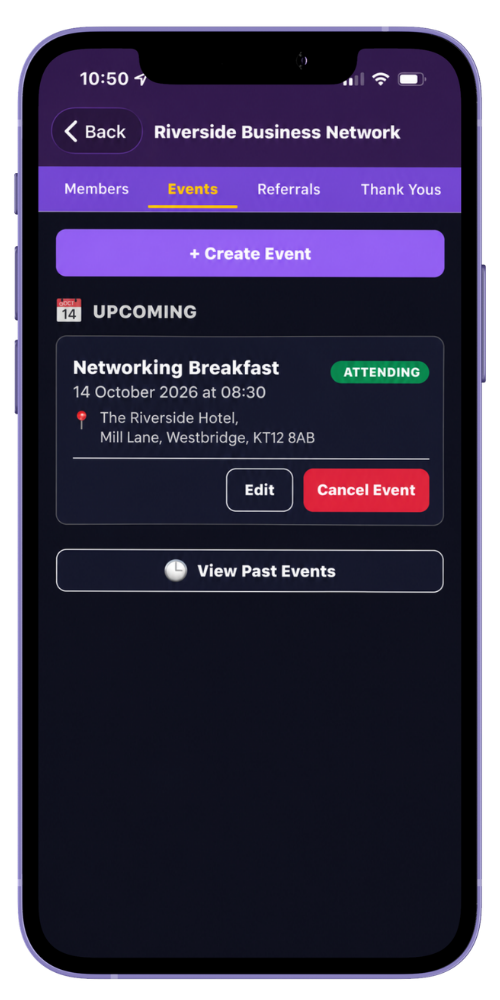
Open an upcoming event
Choose the event from your Upcoming Diary or the group’s Events area.
-
Review the details
Check the title, date, time, location and event description before responding.
-
Choose your response
Select Attending, Maybe or Not Attending.
-
Return if your plans change
Open the event again and select the response that now applies.
Common questions
Before you begin
Can an organiser see members who have not responded?
Yes. The administrative attendance register includes approved group members with no response as well as the three response states.
Where can I find past events?
The group’s event area includes a separate past-events view.