A group join code provides a simple route into an existing MyNetworx group. Entering the code creates a request for the group administrator to review.
If you received a direct invitation link instead, follow that link and complete the associated registration or sign-in steps.
A valid join code does not provide immediate group access. Your request remains pending until a group administrator approves it.
Step by step
Request to join with a code
-
Sign in to MyNetworx
Open the mobile app and use the account intended for your networking membership.
-
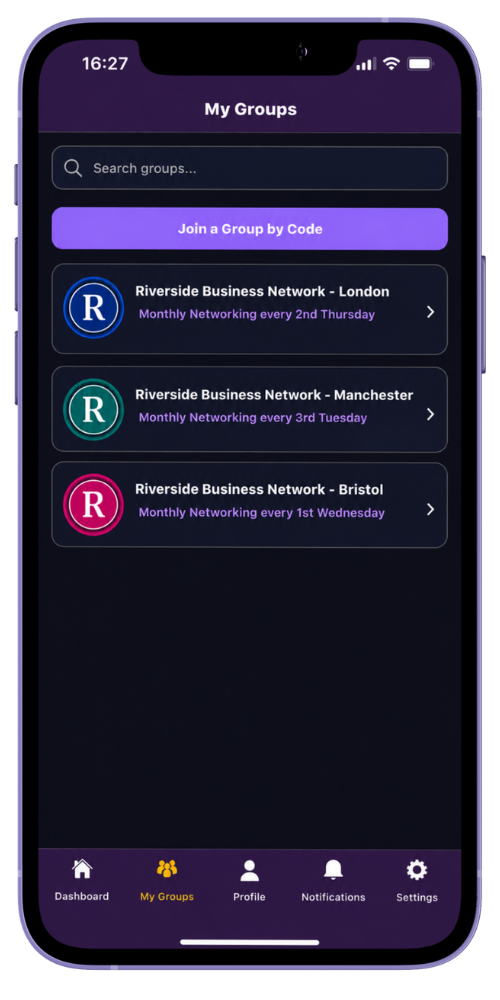
Open My Groups
Select the option to join a group by code.
-
Enter the join code
Type the code supplied by the group administrator and submit your request.
-
Wait for the review
MyNetworx confirms that the request has been submitted. The group administrator must approve it before the group appears in your membership.
-
Open the group after approval
Once approved, return to My Groups to access the member directory and group activity.
Common questions
Before you begin
What if the code is invalid or expired?
Ask the group administrator to confirm the code or generate a current one.
Why can I not see the group immediately?
Join-code access requires a group administrator to approve the pending request.